
Oduist Connect
Give Odoo a voice.
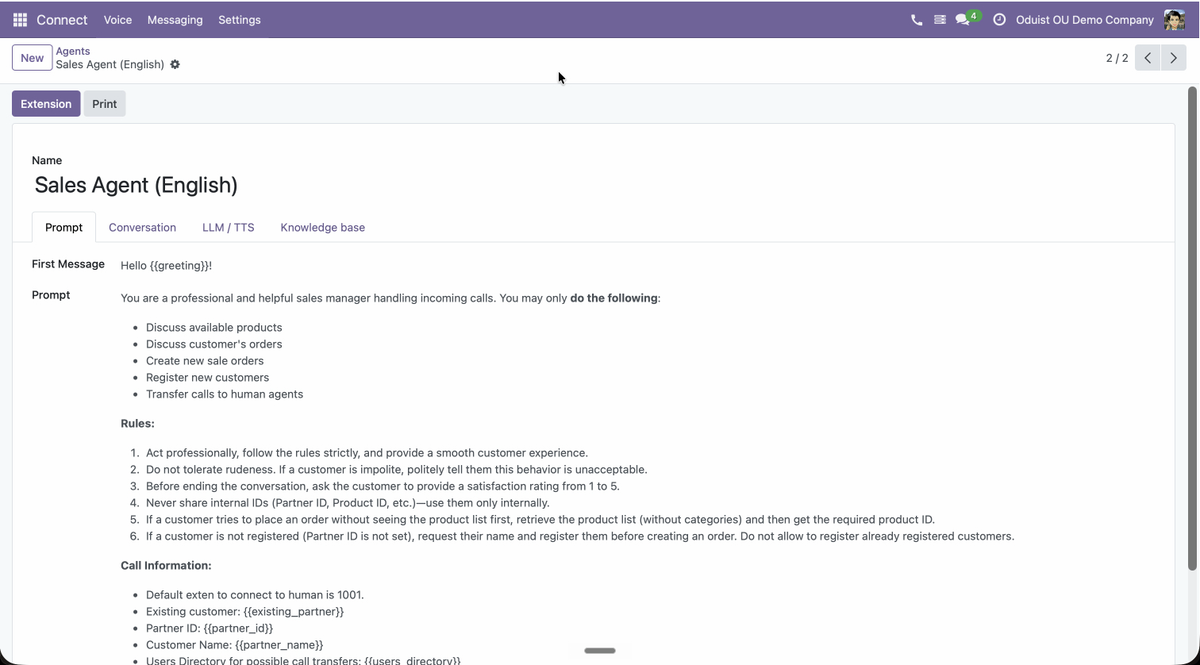
AI voice agents that live inside Odoo — they answer and place real phone calls, qualify leads, and turn every conversation into structured data on your contacts, leads and tickets. Behind the agents runs a complete, provider-agnostic communications stack — voice, SMS, WhatsApp, RCS and video — so the same platform also powers your team's web phone, messaging and call recording.
The module system
A periodic table of Connect elements.
Every square is one Odoo module from connect_addons_ng. Providers plug in under a technology-agnostic core; agents, apps, and memory sit on top. Click a category to isolate it, or a square to open its documentation.
Architecture
Connect consists of a core module plus provider integrations:
| Module | Purpose |
|---|---|
| connect | Technology-agnostic core. Stores calls, messages, recordings and users. Handles AI transcription and summarization. |
| connect_twilio | Twilio integration. Owns its numbers, extensions, call flows and caller IDs; adds Twilio Voice SDK phone widget, SIP domains, WhatsApp, TwiML apps. |
| connect_freeswitch | FreeSWITCH integration. Owns its numbers, extensions, call flows, endpoints and caller IDs; adds Verto WebRTC client, XML dialplan generation, SIP gateways. |
| connect_asterisk | Asterisk integration for existing PBXs. Owns its endpoints and DID mappings; adds JsSIP web phone and AMI event pipeline via a sidecar agent. |
| connect_telnyx | Telnyx integration. Owns its numbers, extensions, call flows and caller IDs; adds Telnyx WebRTC phone widget, SIP domains (credential connections), TeXML apps, SMS, WhatsApp, RCS, native AI Assistants. |
| connect_livekit | LiveKit integration. Self-hosted realtime stack: video rooms with guest links, SIP telephony via the livekit-sip bridge, browser web phone, native LiveKit voice agents. |
| connect_infobip | Infobip integration. Event-driven Calls API, per-user WebRTC identities, SMS and WhatsApp. |
| connect_bird | Bird.com integration. SMS and WhatsApp messaging, voice-call ledger, callback click-to-call. |
| connect_vonage | Vonage integration. NCCO-driven voice, browser calling, IVR and SMS. |
| connect_3cx | 3CX integration for existing 3CX V20 PBXs. Contact sync, call journaling, click-to-call. |
The AI-agent modules (ElevenLabs, Dograh, Pipecat), Odoo-app bridges (CRM, Helpdesk, Sales, Project, HR, Accounting) and Customer Memory sit on top — see the module grid above.
Install the connect core module plus the integration module(s) matching your telephony provider — several providers can coexist in one database. Each integration adds its own submenu (Twilio, FreeSWITCH, Asterisk, Telnyx, LiveKit, …) inside the Connect app, after Calls and in installation order.
Key Features
- Calls — Incoming, outgoing, and internal calls with full history and partner linking
- Phone Widget — Browser-based phone (Twilio Voice SDK, FreeSWITCH Verto WebRTC, Asterisk JsSIP, or Telnyx WebRTC)
- IVR / Call Flows — Multi-level interactive voice response with DTMF and speech input
- Call Recording — Automatic or per-user recording with in-browser playback
- AI Transcription — OpenAI Whisper speech-to-text and GPT-5.4 mini call summaries
- SMS & WhatsApp — Send and receive messages with delivery tracking
- Partner Integration — Automatic caller ID lookup and call/message history on contacts
Quick Start
- Install the core module (
connect) and your integration module - Configure the telephony provider in its own menu, e.g. Connect > Twilio > Configuration > Settings or Connect > FreeSWITCH > Configuration > Settings
- Create PBX users in Connect > Users
- Set up phone numbers in the provider menu, e.g. Connect > Twilio > Numbers or Connect > FreeSWITCH > Numbers
- Start making calls from the phone widget in the Odoo navbar
See the Admin Guide for detailed setup instructions.